

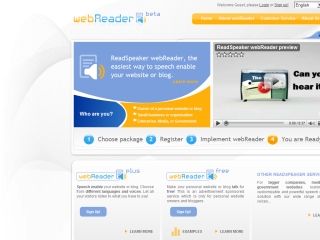
webReader – Speech Enable Your Website or Blog
http://webreader.readspeaker.com/
webReader is a ReadSpeaker service that you can add to your web page and let the visitors listen to it. It is a button that when clicked will read the entire page or a pre-defined part of the content that you determine. The button is simple to add. Just use one of their ready-made plugins or add the small piece of HTML code (a script and a link) that you get from them. Before you sign up, please make sure that you can implement HTML code and a JavaScript, or if you can’t, that web have a plugin or widget for your system. When you order it you select what language and voice (male or female) you want to use. For an updated list on all available languages go to their supported languages page. The visitors to your web site or blog can then access for free the audio version of your content and they don’t need to download any software or plug-in to do so. This has been added to the tools section of Research Resources Subject Tracer™ Information Blog.